
Weekly report formatting
Not worth touching
Annoying, but rare and cheap. A better template may be enough.
+ Feasibility− Volume− Labor− Business impact
High confidence
Process / ROI Assessment
We map the workflow, quantify the friction, and estimate whether automation has a real business case.
Assess a workflowHere’s what that means for one workflow: supplier invoices that need a person today.
Worth a pilot
Frequent, slow, and well understood. Start with matching; keep approvals human.
ConfidenceMedium · based on estimates the team logged, not system data
The problem
Before building, we want to know the anatomy of the work.
How we score it
Every workflow meets the same factors. The answer is often not “automate it.”
Weekly report formatting
Not worth touching
Annoying, but rare and cheap. A better template may be enough.
+ Feasibility− Volume− Labor− Business impact
High confidence
Supplier invoice exceptions
Worth a pilot
The invoice workflow above.
Contract intake
Fix the process first
Costly when it goes wrong, but every team does it differently. Standardize, then reassess.
What you leave with
Target-state concept · the same invoices
No fake ROI
If the data is weak, the estimate should say so. The point is to create a decision you can defend, not a slide that looks exciting.
The estimate
12–20 hours a month returned to the team
ConfidenceMedium
Is your most annoying workflow worth automating?
Assess our workflowUnder the hood
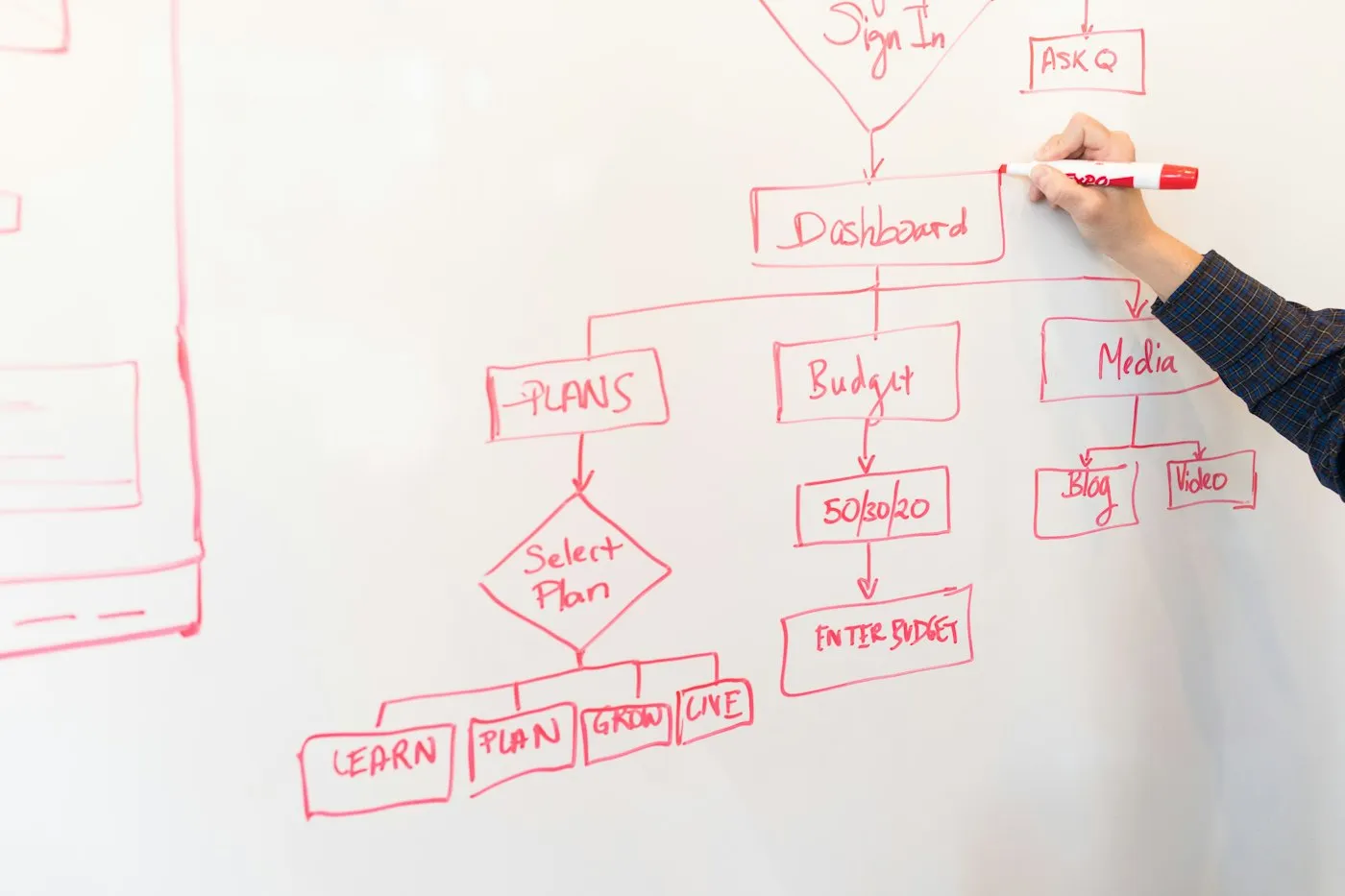
How we map a workflow, from trigger to output, with every detour.
What we map
We document:
Your next move
We will help you decide whether it is worth touching.
A few lines is enough. We’ll reply by email with what’s worth doing first.