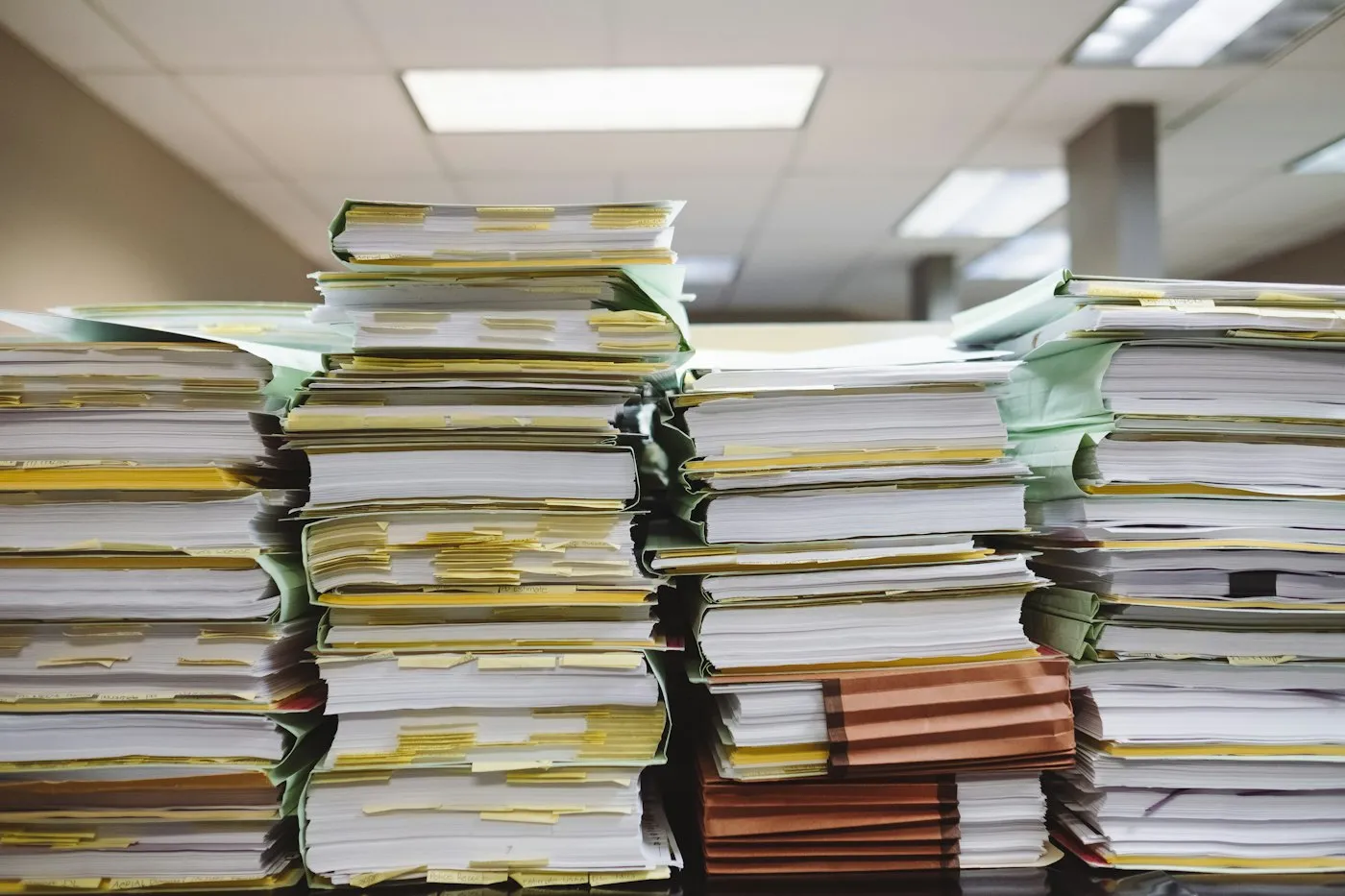
Your adjusters should be adjusting. Your underwriters should be underwriting.
We use AI to remove the administrative work surrounding claims, underwriting, servicing, and operations, while keeping important decisions with the people responsible for making them.
Made by the adjuster, with the file already prepared.
AdjusterDecision pending
The operational drag
Too much insurance work happens before the real decision starts.
Experienced staff can’t begin the real work until the file is ready. That is the layer we automate.
Before the decision
Reviewing documents
Finding policies
Checking completeness
Entering data
Routing files
The layer we automate
The actual decision
Judgment.
Stays with your people
Where AI fits
Three desks. The same drag.
Every item here prepares work for a person. None of them makes the call.
01Claims
FNOL intake
Document extraction
Missing-information checks
Policy lookup
Claim summaries
Routing and escalation
02Underwriting
Submission intake
Application extraction
Document review
Research
Risk-file preparation
Renewal support
03Policy servicing
Broker requests
Policy lookups
Document handling
Service routing
Renewal preparation
Operating principle
AI prepares the decision. People make the decision.
Rules, permissions, confidence thresholds, and human review define where automation stops.
AI prepares
Extract
Look up
Check
Summarize
Route
Where automation stops
Rules
Permissions
Confidence thresholds
Human review
People decide
Coverage
Underwriting
Anything unusual
What this looks like in practice
The system handled the preparation. The adjuster kept the coverage decision.
Anonymized engagementCommercial insurer
Before
A commercial insurer was receiving claims through email, broker submissions, PDFs, scanned forms, and portal uploads. Staff manually reviewed each submission, identified the policy, checked what was missing, entered information into the claims system, and routed the file to the right adjuster.
Redesigned workflow
Incoming claim
Extraction
Policy lookup
Completeness check
Classification
Human review
Claims system
Specific client and commercial details withheld under NDA.
Trust & controls
Built for the exceptions.
The routine path is easy. Choose an exception to see where the file stops and who picks it up.
Missing documents
DetectedRepair estimate not attached
HeldBefore the claims system
Goes toClaims handler
A request for the missing document is drafted. A handler checks it and sends it.
Contradictory information
DetectedTwo different loss dates
HeldBefore classification
Goes toClaims handler
Both versions are shown side by side, with their sources. A person decides which is right.
Policy mismatches
DetectedInsured name differs from policy
HeldBefore policy match
Goes toServicing team
Nothing is matched automatically. The file goes to a person with the candidate policies.
Unusual claim types
DetectedNo standard category fits
HeldBefore routing
Goes toSenior adjuster
Classification is left open rather than guessed. An experienced adjuster takes it from there.
Low-confidence results
DetectedHandwritten field below threshold
HeldBefore data entry
Goes toClaims handler
Uncertain fields are flagged for a person to check instead of being entered as fact.
Sensitive actions
DetectedAnything that commits the insurer
HeldAlways
Goes toAuthorized person
Decisions and customer commitments need human approval. The system prepares; it does not decide.
Thresholds, owners, and routes are set with your team.